
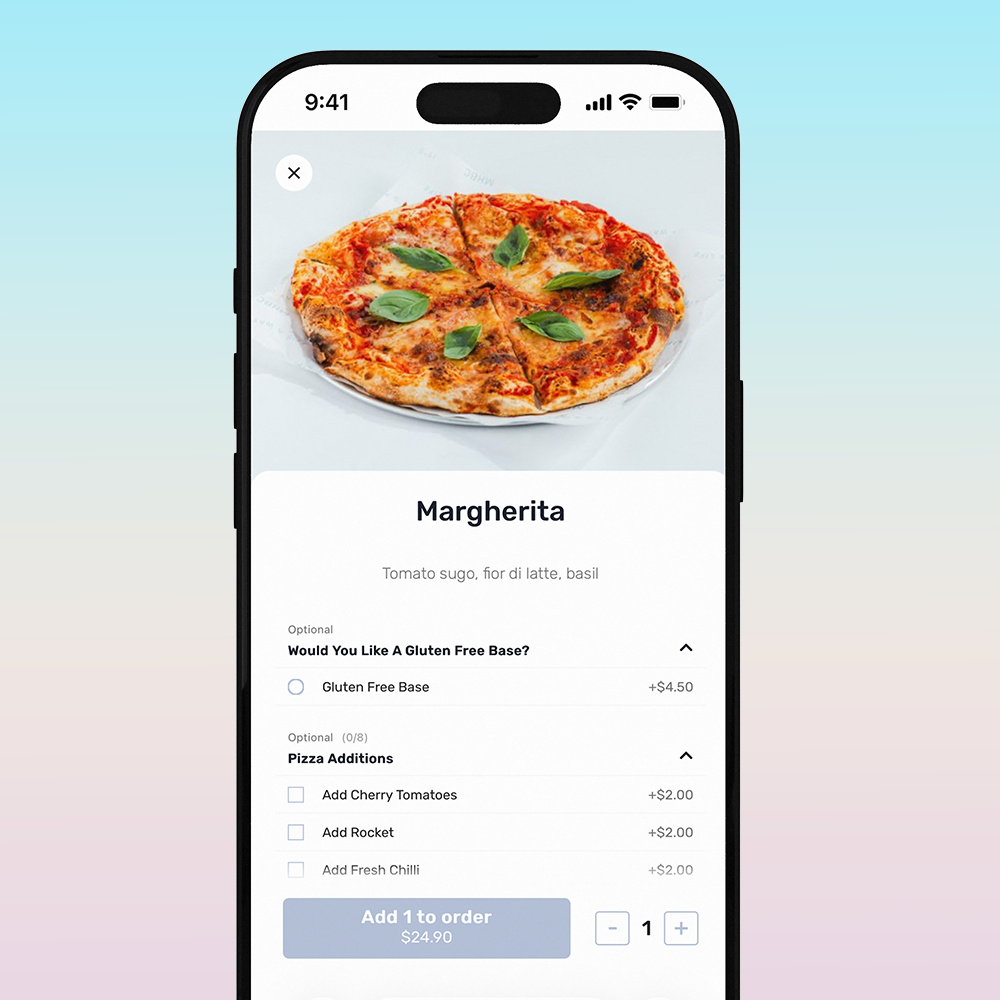
At-table order & pay
Faster service, happier guests
With clevaQ, your guests can browse the menu, place orders, and pay - all directly from their table.
Harbord Diggers
Hotel Brunswick
Georgia Rose
Manly Harbour Boat Club
Club Marconi
Burleigh Pavilion
Sana Mediterranean
The Calile Hotel
Strathfield Sports Club
Harbord Diggers Hotel Brunswick Georgia Rose Manly Harbour Boat Club Club Marconi Burleigh Pavilion Sana Mediterranean The Calile Hotel Strathfield Sports Club
St George Sailing Club
Oran Park Hotel
Embr
The Wentworth Orange
Kurrawa Surf Club
Royal Oak Hotel
Terrigal Pavilion
Georges River Sailing Club
St George Sailing Club Oran Park Hotel Embr The Wentworth Orange Kurrawa Surf Club Royal Oak Hotel Terrigal Pavilion Georges River Sailing Club
A smarter experience for every guest
Easy and convenient
Scan or tap at your table. Instant connection to the web-based platform - browse, order and pay.
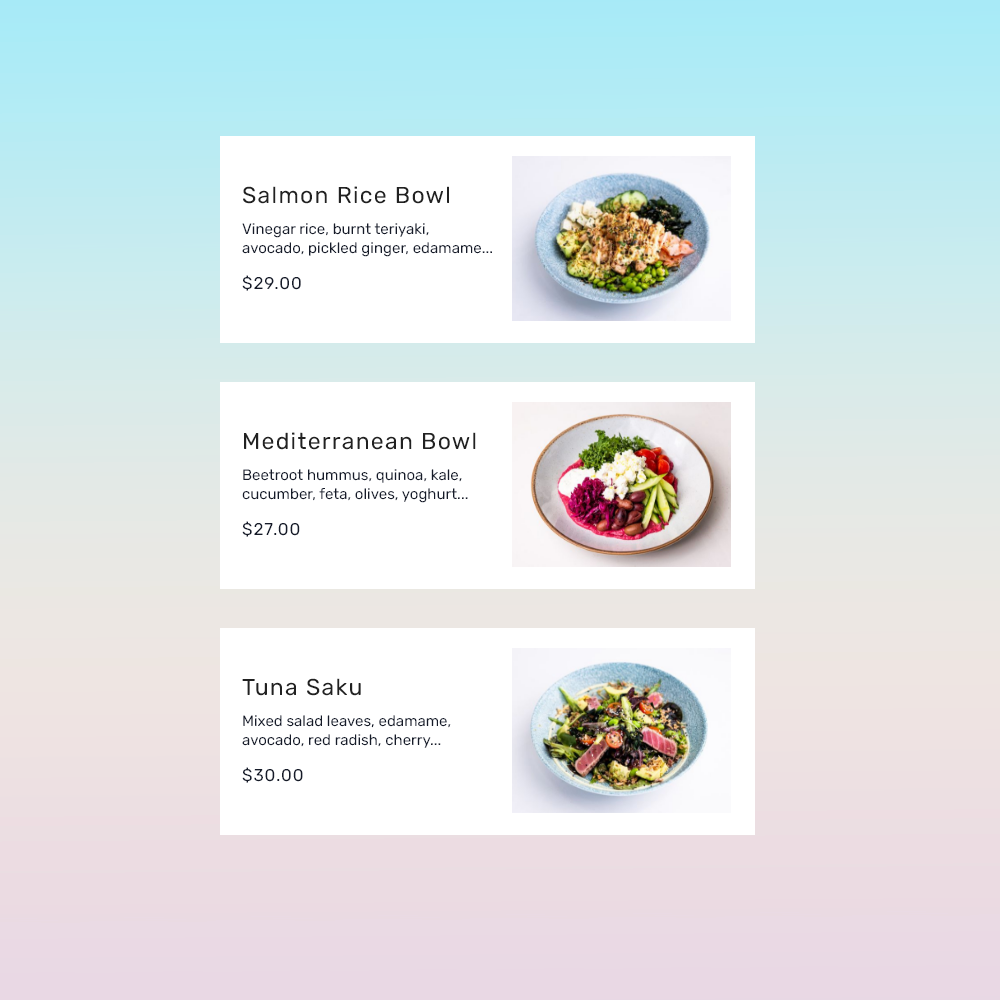
Mouth watering visual menus
Rich visual menus with easy browsing, dietary filters, smooth toggles, favourite search, and featured specials.
Intuitive ordering
View and re-order your last meals, simple repeat order for last drinks, access specials and upsell options.
Flexible modifiers
Guests can customise their orders with add-ons, toppings, or special requests.
Great for groups
Guests can order individually while ClevaQ automatically consolidates all group orders into a single docket for the bar or kitchen, keeping service fast and organised.
Payment made easy
Simple, seamless checkout with multiple payment options including Apply Pay and Google Pay, all debit and credit cards.
Built to increase spend, effortlessly
-
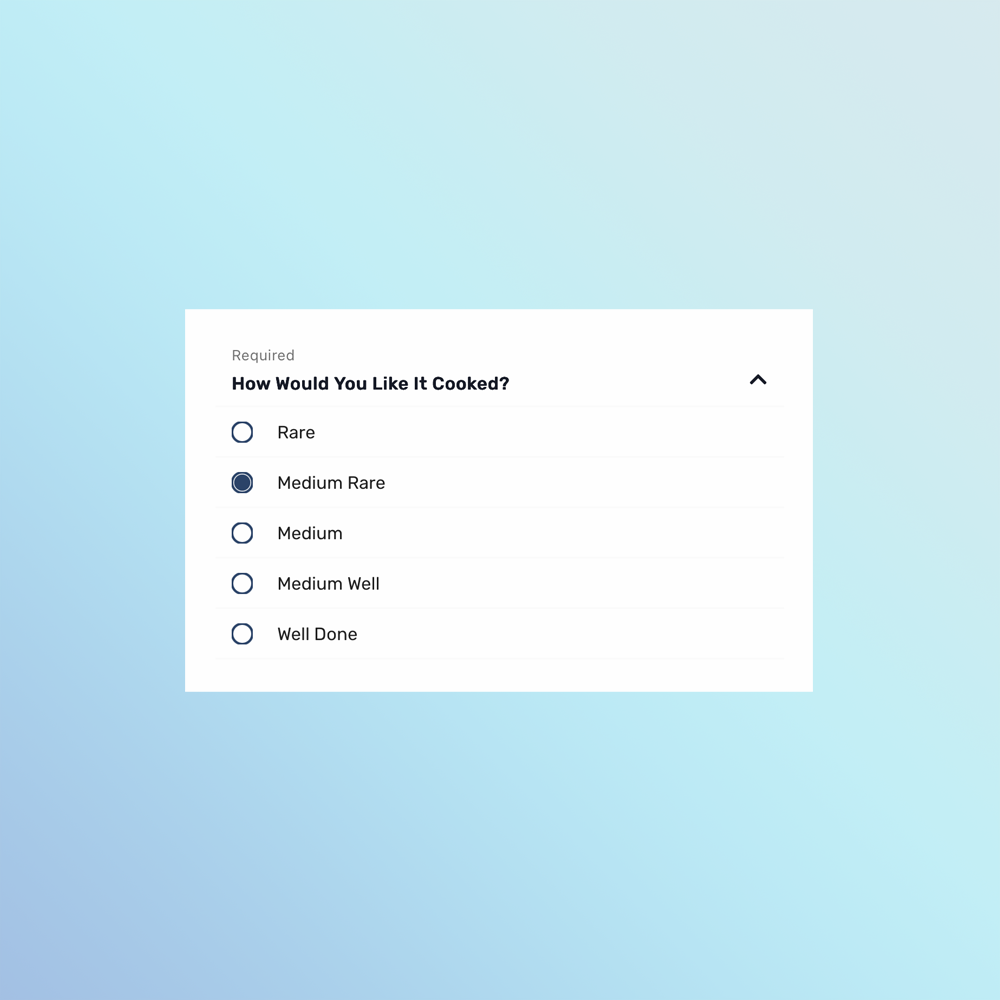
Modifiers
Give guests flexibility with clear, customisable modifiers that reduce errors and improve order accuracy.
-
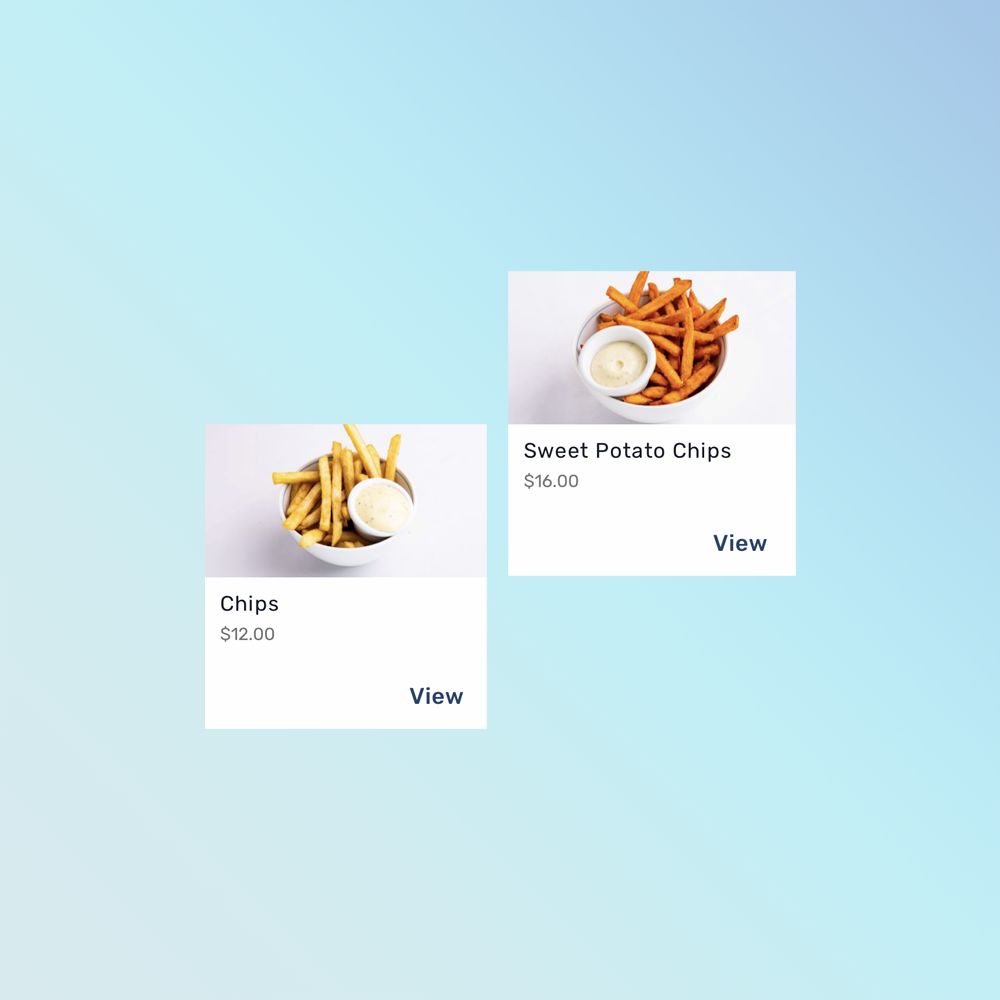
Upsell
Increase average order value with smart prompts for add-ons, upgrades, and popular pairings at the perfect moment.
-
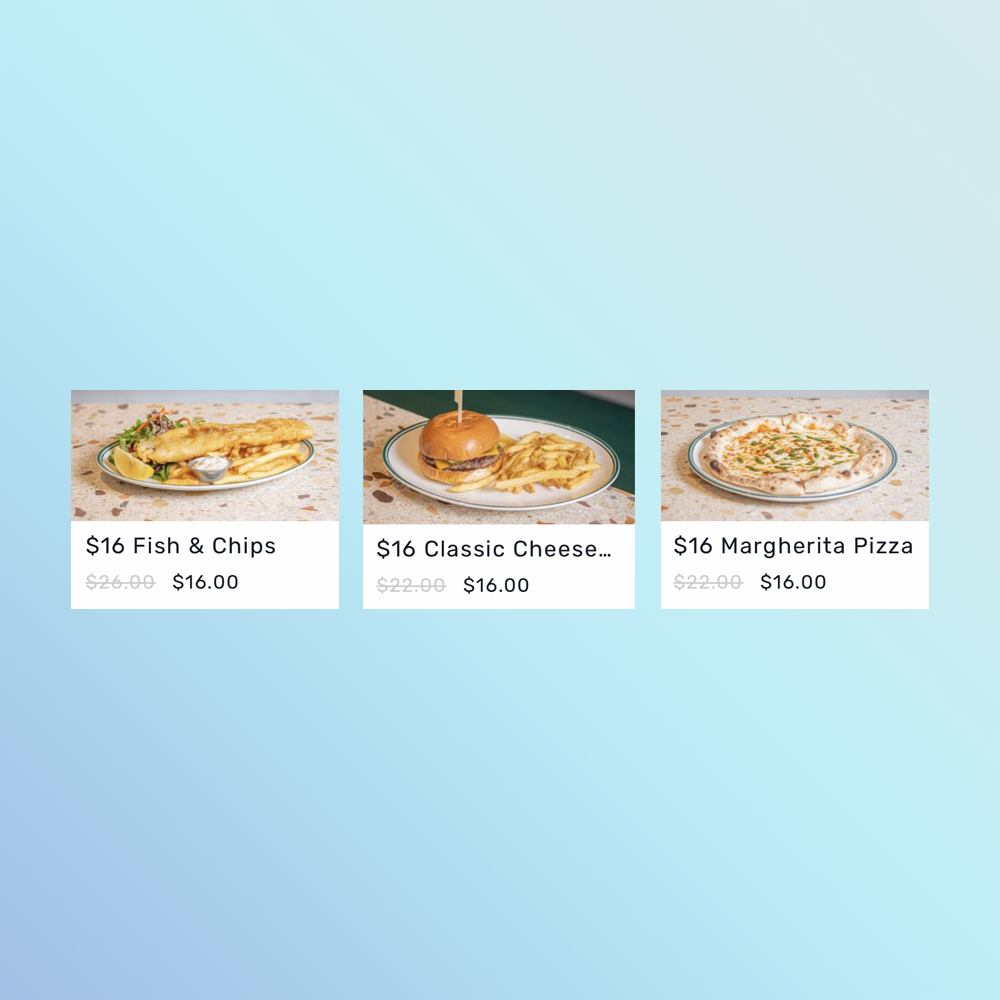
Specials
Highlight daily specials, limited-time offers, or event menus to drive interest and increase uptake.
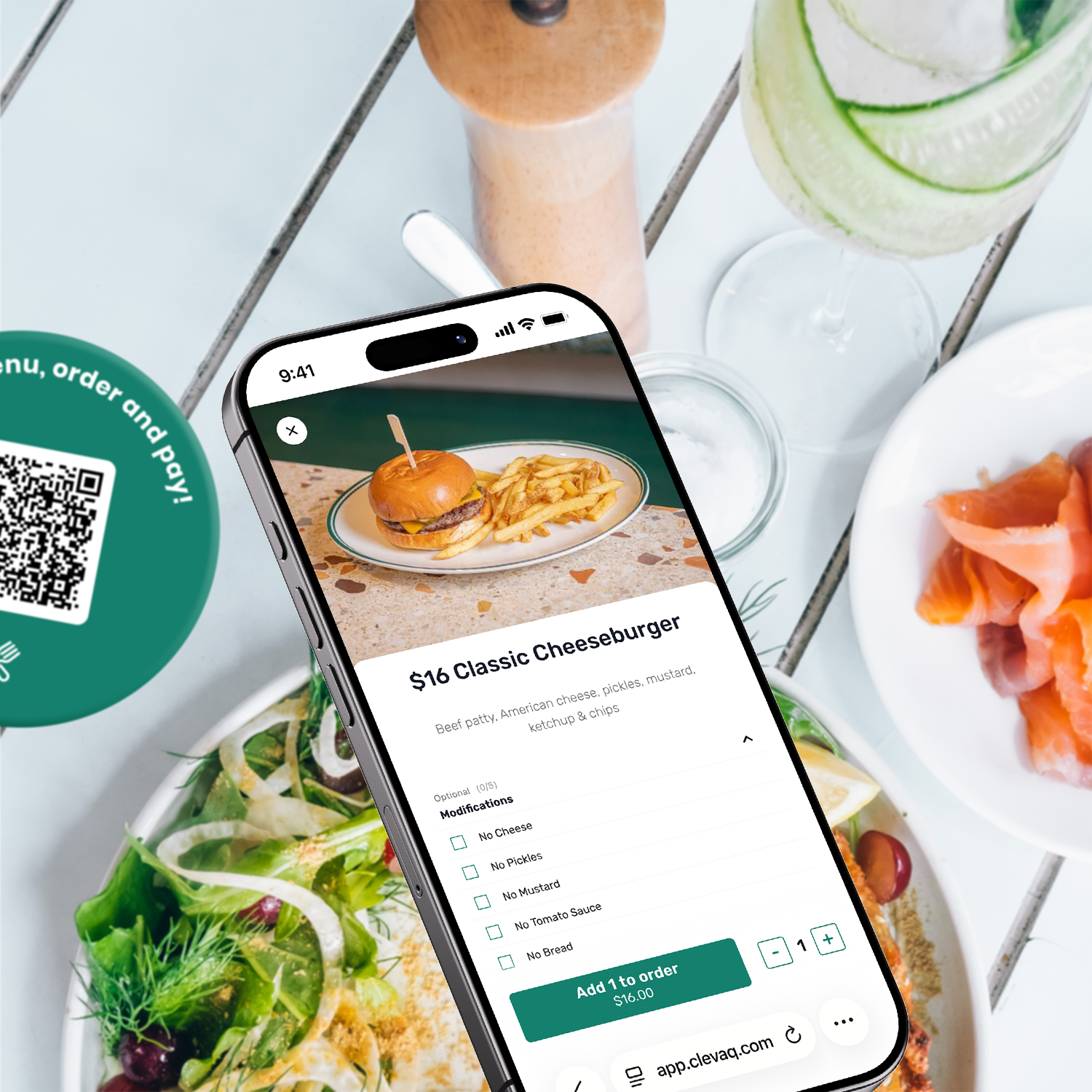
Personalised for your venue
Create a seamless, on-brand guest experience with flexible, tailored tools and support.
Add your venue’s colours and menu style for a consistent look and feel.
Adjust menus on the fly for peak times, events, or special promotions.
Hands-on support ensures your staff and operations are set up perfectly.
On-table QR signage professionally branded for your venue.
Smart features to boost spend and engagement
-
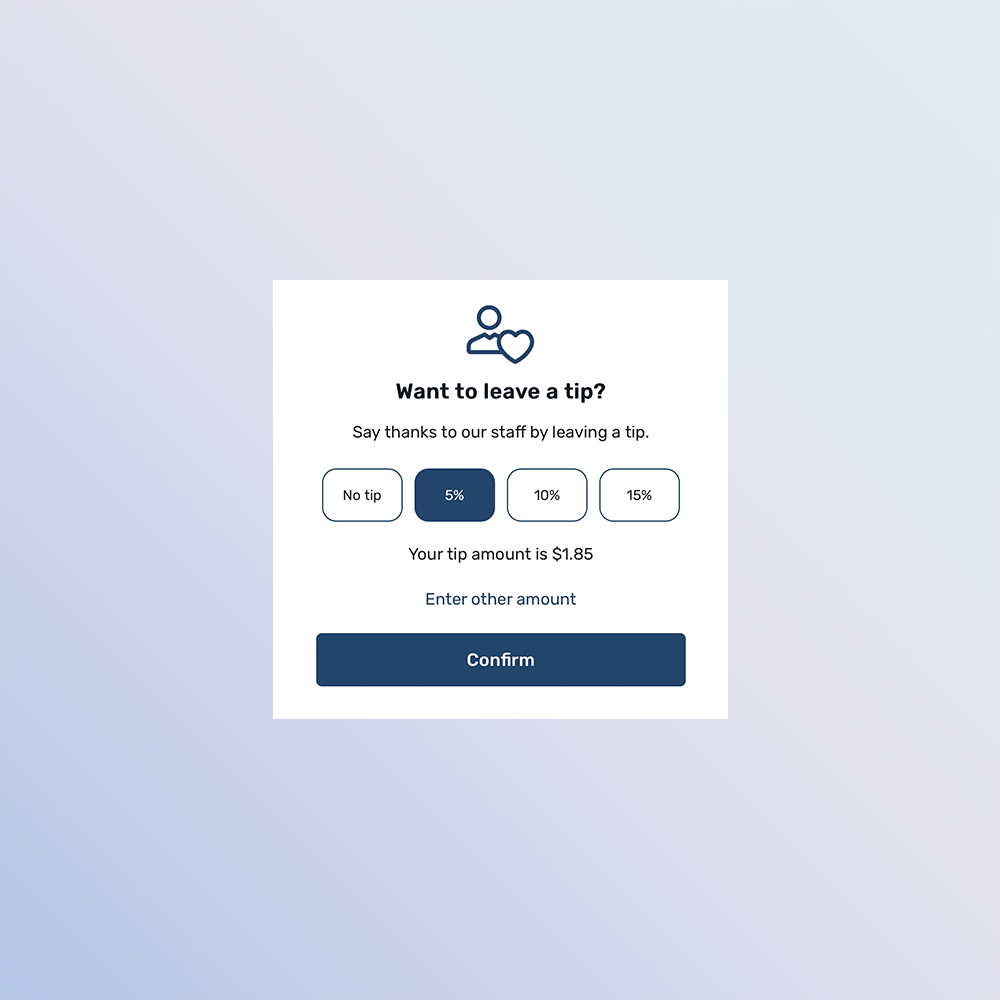
Tips
Let guests reward great service directly through the ordering flow, boosting staff morale and take-home pay.
-
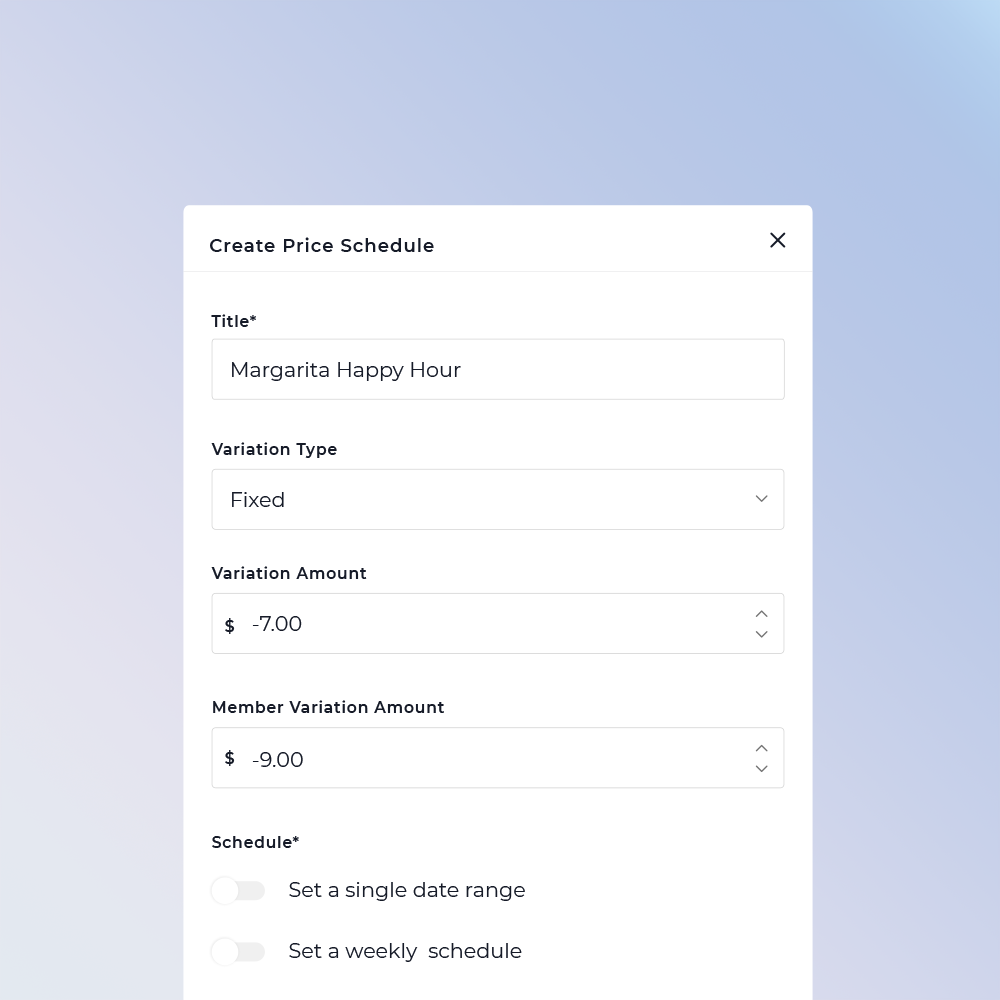
Price scheduling
Automate pricing for happy hour, special events, or peak periods with time-based price changes.
-
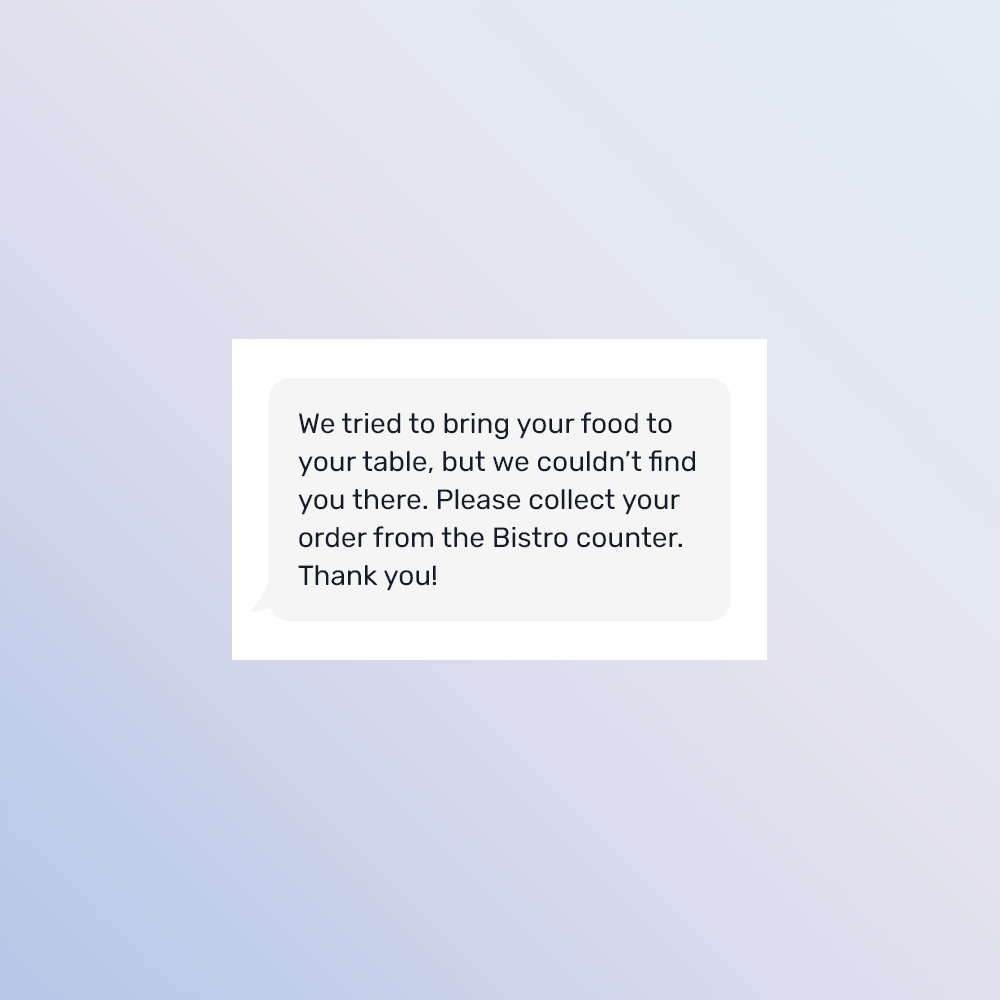
Custom messages
Communicate clearly with guests using tailored messages for wait times, pickup instructions, or venue updates.
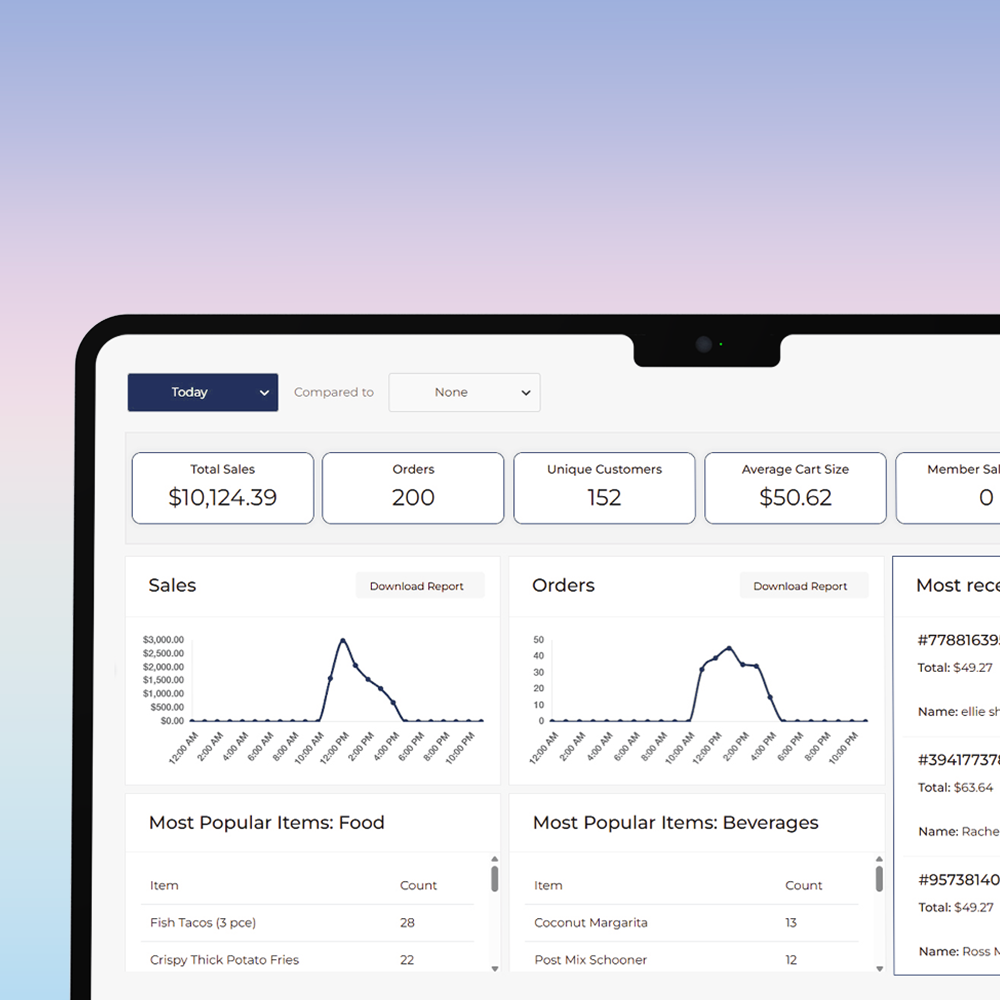
Total control, all in one place
clevaQ’s Vendor Portal gives you complete visibility and control over your venue operations - all from a single, powerful platform.
Create, update, and customise menus in real time.
Complete visibility across your entire venue, anytime
Bump-off functionality to easily manage and clear orders to keep service flowing
Real-time dashboard to track performance and make informed decisions instantly
“clevaQ’s incredible visual menu has been amazing for our customers when they’re making their food selections. It’s simple and easy to use and they can apply dietary filters, as well as view our specials.”
Momento Hospitality
POS integrations
Reconciles directly to your best of breed technology partners.
-

abacus
Description goes here -

agilysys
Description goes here -

bepos
Description goes here -

doshii
Description goes here -

h&l
Description goes here -

idealpos
Description goes here -

impos
Description goes here -

infogenesis
Description goes here -

Infosys
Description goes here
-

Jensen
Description goes here -

oolio
Description goes here -

oracle micros
Description goes here -

senpos
Description goes here -

shiji
Description goes here -

sightline
Description goes here -

signature systems
Description goes here -

square
Description goes here -

swiftpos
Description goes here
Discover clevaQ
Experience clevaQ live, get started quickly, and deliver smarter, faster service.